For most public-sector organisations, putting a video on their own website still means one thing: upload it to YouTube and embed it. For years that habit was defensible: free, stable, familiar. But it now clashes on three fronts with the very requirements public-sector communication has to meet: consent rules for tracking cookies, the digital-sovereignty policies that parliaments across Europe are pushing through, and the accessibility obligations that come with the EU Web Accessibility Directive. This article covers what exactly is wrong with the default, and what to look for when you bring video under your own control.
The embed is the problem, not the video
A YouTube embed loads Google code onto your page. As soon as a visitor plays the video, cookies are set and data is exchanged with Google. Under European rules, tracking cookies require specific, prior consent. In the Netherlands, the information-security agency of the association of municipalities spells this out for local-government websites. That means a consent layer in front of every video; loading the embed without consent puts you in breach. YouTube's privacy-enhanced mode, youtube-nocookie.com, only partly solves this: in practice it too has been shown to set cookies once playback starts.
On top of that, you don't control the packaging. Since September 2018, related videos at the end of an embed can no longer be switched off, at best restricted to your own channel. And since YouTube's November 2020 terms change, ads may be shown on videos from channels that earn nothing from them. A citizen who watches your public-information video and is then served an ad or a random recommendation: that is the price of free.
Sovereignty has moved from principle to policy
Where your content lives has become a political question. On 18 March 2025 the Dutch House of Representatives adopted a series of motions instructing the government to prevent unnecessary ICT migrations to American tech companies and to seriously examine European alternatives. Formally that concerns central government, but it sets the tone for the entire public sector, and the Netherlands is not alone in this shift. Video that sits on YouTube sits with Google, on American terms. For a communications department, choosing a video platform is no longer a matter of convenience but a policy decision, one you need to be able to defend in a DPIA or a procurement process. "That's how we've always done it" no longer counts as an answer.
Accessibility applies to the player too
The EU Web Accessibility Directive, implemented in the Netherlands through the Digital Government Act, requires public-sector websites to meet WCAG level AA. For video that means captions for auditory information and audio description for visual information, for all recorded video published after 23 September 2020; only live broadcasts are exempt. Less well known is that the requirements also cover the player itself: it must be operable by keyboard and screen reader. If you take your accessibility statement seriously, you look beyond the subtitles to the player your video runs in on your own site. And that player is exactly what you don't control with an embed.
What a proper alternative needs to offer
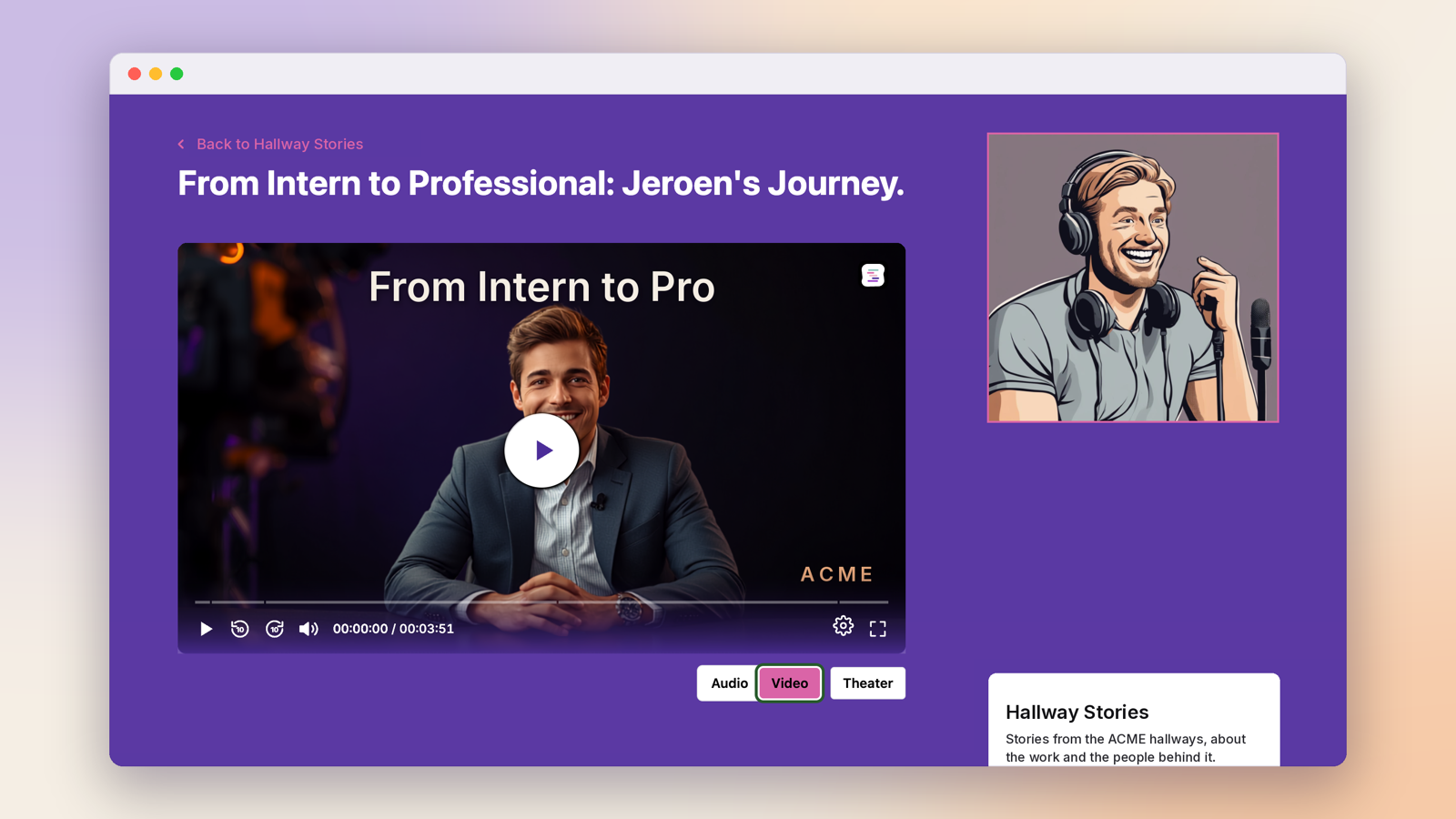
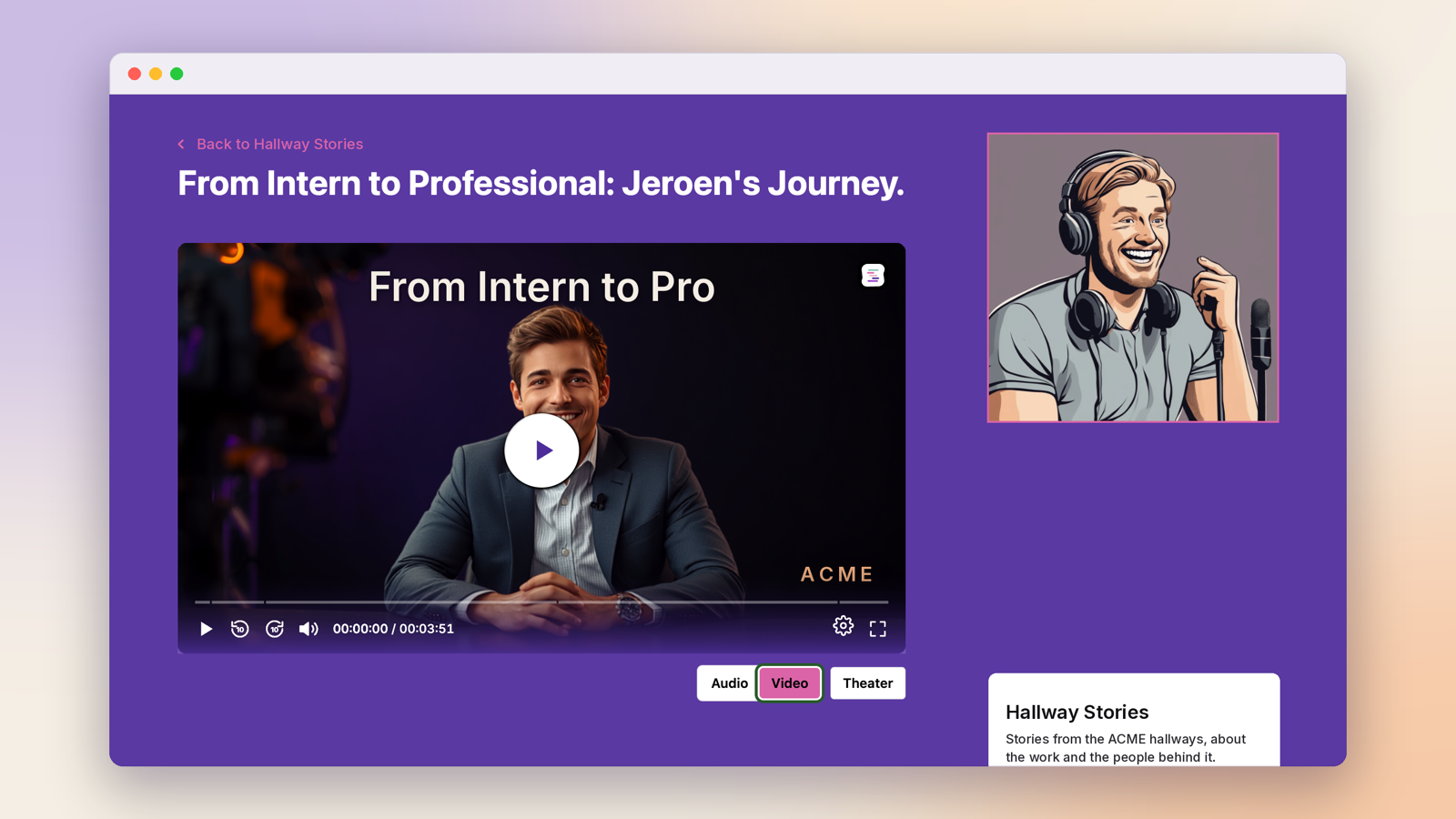
The answer is not less video, nor manually hosting every file on your own server. What you are looking for is video hosting that combines three things. First, hosting in the EU, under European law, so the sovereignty question has a straight answer. Second, your own player on your own domain, without ads, without third-party recommendations and without cookies that require consent. Third, analytics that let you account for reach and results without tracking your visitors.
Springcast built its video hosting on exactly those principles: your videos live on European infrastructure, play in a dedicated player on your website, and you see how they perform in the same dashboard, right next to your podcast, if you host that with Springcast too. The organisation is ISO 27001-certified, which for many public-sector procurement processes makes the difference between a long vendor assessment and a short one. To see what that looks like in practice, visit the video hosting feature page or book a demo.